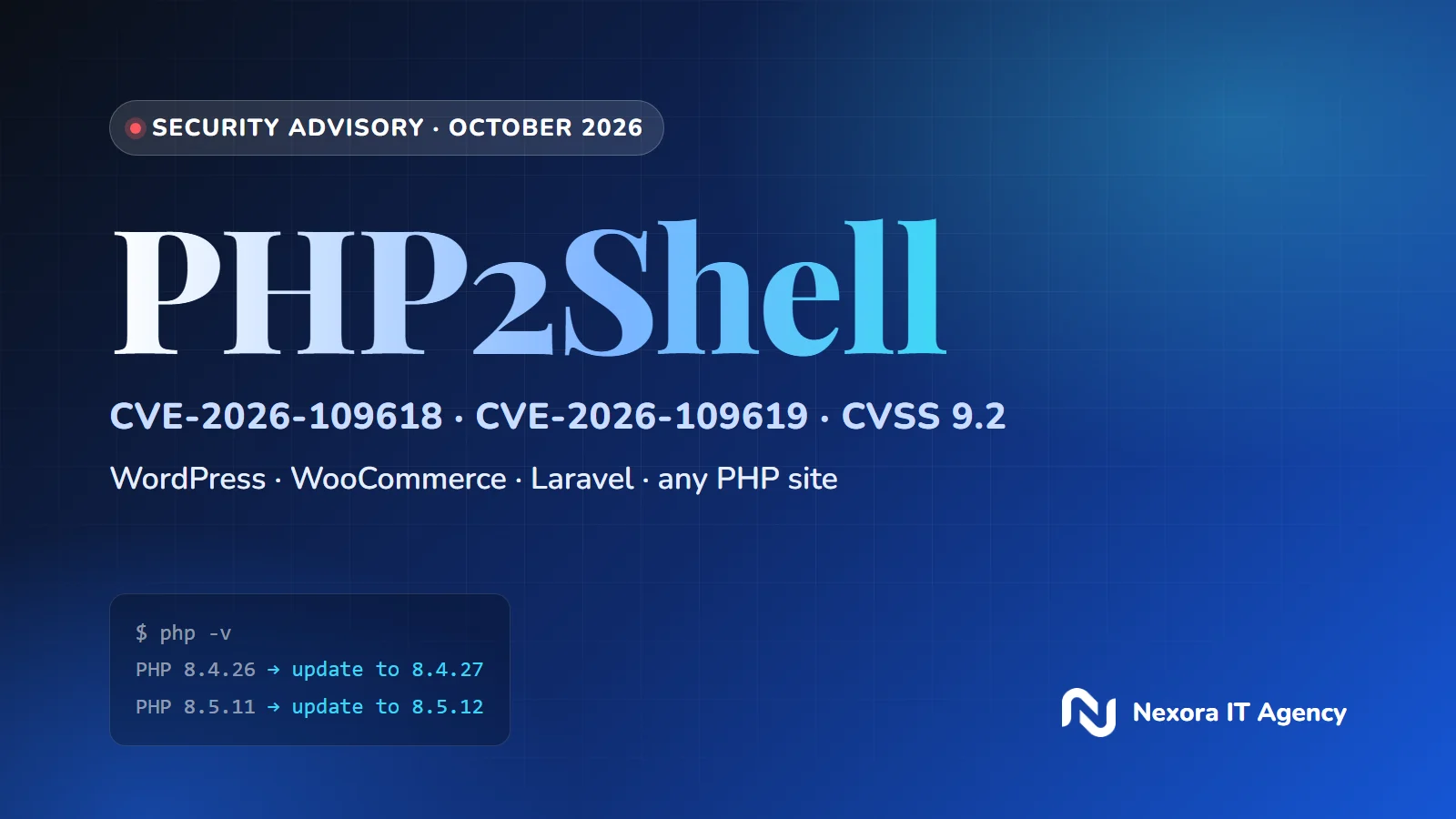
In short: two critical flaws were found in PHP itself, the language behind WordPress, WooCommerce, Laravel, Drupal and most online stores. They let an attacker run code on the server without logging in, and attacks started before many sites had updated. The fix is to update PHP today, or to get written confirmation from your host that it already has.
What happened?
On 20 October 2026 the PHP project sent an advance notice of an urgent security release, and on 21 October it shipped PHP 8.5.12, 8.4.27, 8.3.36 and 8.2.35. The release fixes two vulnerabilities, CVE-2026-109618 and CVE-2026-109619, known together as PHP2Shell. Each one is rated 9.2 out of 10 (CVSS v4.0) and can let a remote attacker execute commands on the server without an account.
Details leaked before the planned disclosure, and security researchers have reported attacks against real sites. PHP states clearly that updating is the only complete fix.
Is your site affected?
If your website, store or dashboard runs on PHP, assume it is affected until you have checked. That includes anything built on:
- WordPress and WooCommerce
- Laravel (including dashboards built with Filament or Livewire)
- Drupal and Joomla
- Magento, PrestaShop and OpenCart
- Custom PHP systems and admin panels
The flaw is in PHP, not in a plugin, theme or your developer's code. A fully updated WordPress or Laravel site can still be exposed if the PHP version on the server is old. On the 8.4 branch, every version before 8.4.27 is affected; on 8.5, every version before 8.5.12.
One important detail: hosting companies and Linux distributions often patch PHP without changing its version number. A server that reports 8.4.26 may already be fixed, or may not. Only your host can confirm it.
Why does it happen? (in plain words)
- CVE-2026-109618: when PHP runs out of memory while preparing a request, it can stop half-way. The clean-up that follows treats the half-prepared data as valid, and that is what an attacker abuses.
- CVE-2026-109619: some data belonging to one request can outlive the memory it pointed to and be reused by the next request on the same worker, which can also lead to code execution.
What can an attacker do?
- Steal customer data: names, phone numbers, emails, orders and invoices.
- Read your secrets: database passwords, API keys and the keys that connect your site to payment, WhatsApp or email services.
- Plant malicious code: redirect visitors to scam pages or skim card details at checkout.
- Take the site down or deface it: lost sales, lost bookings and damage to your brand.
- Legal exposure: a breach of personal data has consequences under Egypt's Personal Data Protection Law (Law 151 of 2020) and similar laws in the Gulf.
How do you fix it?
- Find out which PHP version your site runs. Ask your developer or hosting provider, or look in your hosting panel.
- Update to a fixed release: 8.5.12, 8.4.27, 8.3.36 or 8.2.35 or newer.
- On PHP 8.1 or older? There is no official fix for those branches. Move to a supported version (PHP 8.2 itself reaches end of life on 31 December 2026, so 8.3 or newer is the better target).
- On managed or shared hosting? Ask the provider for written confirmation that the patch for CVE-2026-109618 and CVE-2026-109619 is installed.
- Add a web application firewall (WAF) as an extra layer. It helps, but it does not replace the update.
- Check that the site was not already compromised: look for admin users you do not recognise, new PHP files in upload folders, recently changed core files and unusual outgoing traffic. If anything looks wrong, change database passwords and API keys after patching.
Update: a third, lower-risk issue (CVE-2026-115560)
On 23 October 2026 PHP disclosed another issue that can lead to code execution, but only in applications with an unusual session configuration. PHP considers it unlikely to affect most sites. Until it is fixed in a regular release, PHP recommends turning off session upload progress (session.upload_progress.enabled = 0) if you do not use it.
What we did on our side
At Nexora IT Agency we checked the PHP version on our own servers, stopped our sites from advertising their PHP version, turned off session upload progress, and asked our hosting provider to confirm the patch in writing. If we build or maintain your site, we will contact you about yours.
How to avoid the next one
- Keep an up-to-date list of every site you own, its CMS or framework, and its PHP version.
- Run supported PHP versions only.
- Update on a schedule, and test updates on a staging copy first.
- Put a firewall and monitoring in front of your sites, with alerts for unusual activity.
- Keep automatic, off-site backups so a bad day is a restore, not a rebuild.
- Review security regularly, not only when it is in the news.
Not sure about your site?
Send us your site's address at support@nexora-portal.com or through our contact page. We will check the PHP version and hosting setup, tell you plainly where you stand, and help you fix what we find.